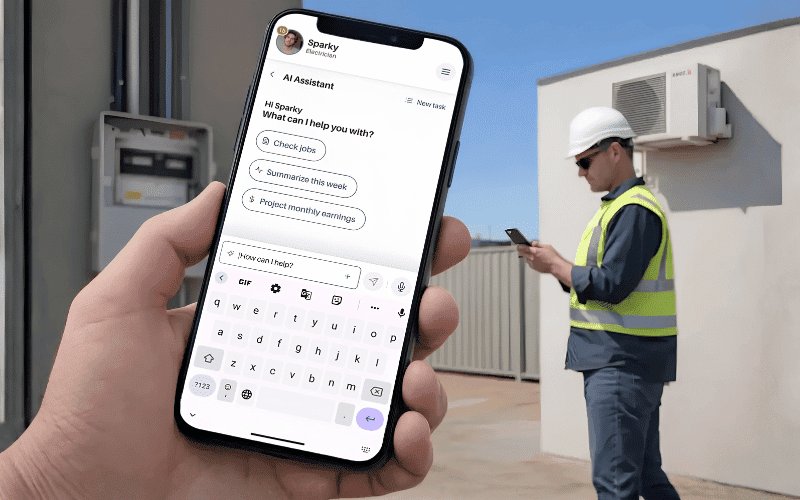
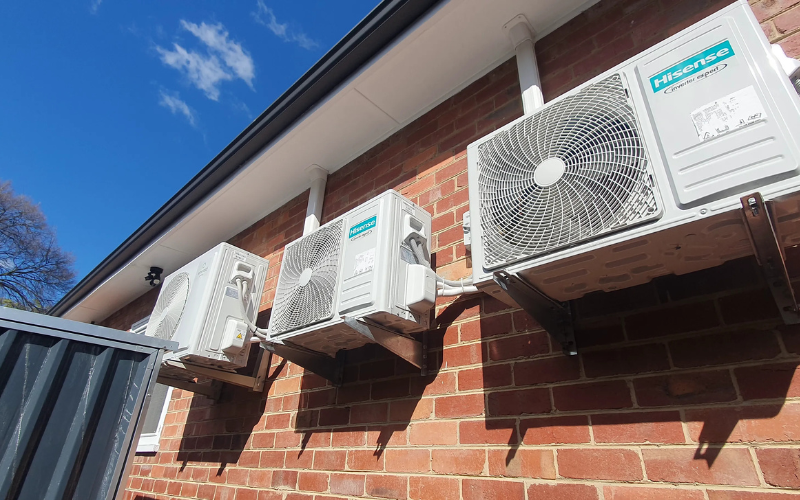
A Victorian Energy Efficiency Certificate is the formal proof of energy-saving upgrades under the VEU program, yet the VEEC submission process around it has traditionally been manual and unforgiving. Complyify was built to put installers back in control of how certificates are created, validated, and lodged. The guide below walks you through exactly how VEEC submissions move through the app, and why structured workflows change everything.
Getting Your Installation Ready for VEEC Submission
Before lodging a VEEC in Complyify, preparing your installation properly helps you avoid compliance issues and unnecessary delays. Most setbacks happen when eligibility, evidence, or job details are incomplete from the start.
Confirm the Installation Qualifies
Make sure the product and upgrade type meet current VEU program requirements. Complyify helps you verify eligibility upfront, so you’re not relying on manual checks or outdated information.
Capture the Right Evidence on Site
Clear photos of installed equipment, serial numbers, and required site conditions are essential for approval. Complyify guides you through evidence collection in real time, reducing missing or unusable documentation.
Verify Installer and Job Details
Accurate installer credentials, addresses, and installation dates keep your submission audit-ready. Small errors can trigger compliance reviews, which Complyify helps you prevent by validating details as you go.
Validate Before You Submit
Complyify acts as a compliance tracker, flagging missing information and inconsistencies before lodgement. This helps keep submissions clean, complete, and moving through the system smoothly.
Step-by-Step VEEC Submission Using the Complyify App
Once your installation details are prepared and validated, you’re ready to complete your VEEC submission in Complyify. The app turns everything you’ve already captured into a structured, compliant claim, keeping the process simple, accurate, and aligned with Victorian VEU requirements.
Step 1: Create a New Job
Open Complyify and start a new job by entering the site address, customer details, upgrade type, and installer information. Each field follows current VEU standards, keeping your submission compliant from the outset.
Step 2: Add Product and Upgrade Details
Record the installed system information, including model numbers, equipment type, and upgrade category. Complyify aligns this with approved VEU products to minimise errors.
Step 3: Upload Required Evidence
Attach photos and supporting documentation directly to the job file. The app prompts you for what’s required, helping ensure nothing is missed.
Step 4: Review Validated Information
Complyify checks entries in real time, flagging missing or incorrect details so you can correct them immediately and keep your VEEC submission audit-ready.
Step 5: Finalise and Lodge
Once everything is complete, lodge directly through the platform. Complyify acts as your VEEC generator, converting verified data into a ready-to-process certificate claim.
Step 6: Monitor Submitted Jobs
All lodged VEECs stay visible in your dashboard, making it easy to track progress across multiple installations.
What Happens After You Submit a VEEC in Complyify?
Once your VEEC submission is lodged in Complyify, it enters a live review workflow where each certificate moves through clear status stages. With built-in VEEC tracking, you can see whether a submission is under assessment, progressing smoothly, or requires further clarification, all within your dashboard rather than across emails or external systems.
If anything is flagged, feedback is linked directly to the job so you know exactly what needs attention. Approved certificates remain stored in one central record across installations and installers, giving you ongoing visibility and compliance oversight as your workload grows across Victoria.
Manage Every VEEC Submission With Complyify
Ready to simplify your next VEEC submission and keep every job compliant in real time? Start using Complyify on your next installation and experience faster lodgements, clearer tracking, and fewer compliance issues. Book a demo or sign up today to see how the app supports tradies across Victoria with structured submissions, built-in validation, and full visibility across every job.